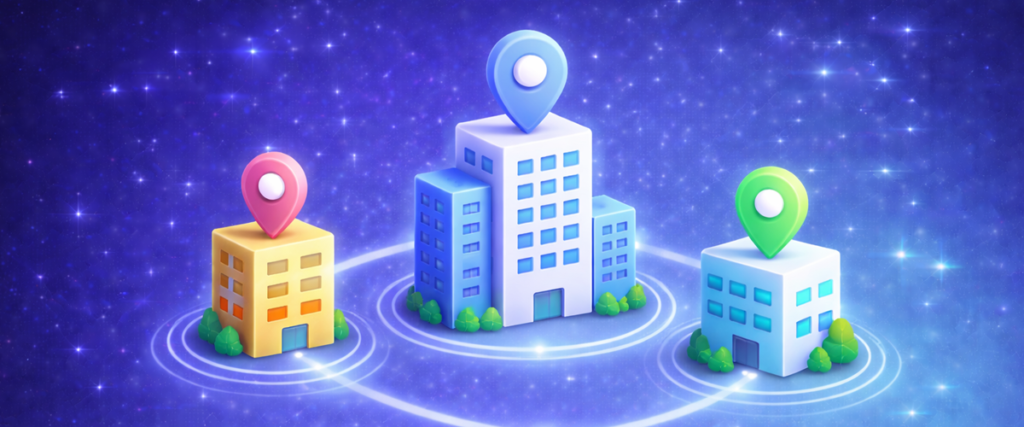
Multi Location allows you to manage multiple business locations from one central Get Synced account.
Whether you run two salons, multiple clinics, or several garage branches, you can control everything from a single dashboard — while keeping bookings organised per location.
You can:
Add unlimited locations (depending on plan)
Assign staff to specific branches
Offer location-specific services
Set different working hours per site
Manage separate booking pages
Track performance per location
Each branch operates independently — but remains connected under your main account.
Ideal for:
Expanding clinics
Franchise businesses
Multi-branch garages
Salon chains
PT studios with multiple sites
Multi Location gives you structure without complexity.
Follow these steps to set up Multi Location:
Step 1: Add a New Location
Log into your Get Synced dashboard.
Navigate to Settings.
Select Locations.
Click Add New Location.
Enter:
Location name
Address
Contact details
Opening hours
Save changes.
Step 2: Assign Staff to Locations
For each staff member:
Go to Staff Settings.
Assign them to one or more locations.
Set availability per location (if required).
This ensures bookings are routed correctly.
Step 3: Assign Services to Locations
When editing a service, you can:
Restrict it to specific locations
Set different pricing per location
Adjust duration or availability
Example:
MOT service available at Leeds branch only
Premium facial available at City Centre location
Step 4: Configure Booking Pages
Each location can have:
Its own booking link
Its own QR code
Customised branding (if supported)
This keeps the customer experience clear and location-specific.
🔄 How It Works
Customer selects a location (if multiple are available).
Only relevant staff and services appear.
Bookings are stored under that branch.
Reports can be filtered per location.
Everything stays structured and organised.
🚀 Advanced Uses
Multi Location can also be used to:
Track revenue per branch
Compare staff performance by site
Manage franchise operations
Run location-specific promotions
Block availability per site
💡 Tip: Use Customer Categories to tag customers by location for targeted marketing.
🎯 Why Multi Location Matters
Businesses using Multi Location benefit from:
Centralised management
Clear operational structure
Easier expansion
Location-based reporting
Professional scalability
It allows your booking system to grow alongside your business.